Chord Beat Sequencer
A free sequencer that combines a chord progression, a drum pattern, and an auto-bass line. Up to 128 chord steps, a 16-step × 6-track drum machine, and a bass line that follows your chord progression — all locked to the same tempo. Download any loop as a standard MIDI file (SMF) to keep editing in your DAW.
Chord Progression
Bass
Auto-follows chord rootsDrums
Click to toggle, drag vertically to set velocity.
Presets
FAQ
What is the Chord Beat Sequencer?
A free tool to build and play a chord progression, a drum pattern, and a bass line at the same time. Up to 128 chord steps, a 16-step × 6-track drum machine, and a bass line that follows your chord roots play in sync at one shared tempo and swing.
Is it free? Do I need an account?
Yes — completely free, no sign-up required. Everything runs in your browser; nothing is sent to a server.
Can I share the loops I make?
Press SHARE and the full state — key, tempo, chord progression, bass settings, and the drum pattern (including per-step velocities) — is encoded into a URL and copied to your clipboard. Send the link and someone else can hear the exact same loop in their browser.
Can I export to MIDI?
Yes — press MIDI to download one full loop as a multi-track standard MIDI file (SMF Type 1). The export includes chord (channel 1), bass (channel 2), and drums (channel 10, GM drum map) tracks, along with tempo, time signature, and swing. Drop the file into Logic Pro, Cubase, Studio One, Ableton Live, or any other DAW that accepts MIDI input to keep editing.
How many sounds are available?
Three chord sounds (guitar, electric piano, pad), three bass sounds (electric, upright, synth), and six synthesised drum tracks (Kick, Snare, Closed Hi-Hat, Open Hi-Hat, Clap, Cowbell), all generated via the Web Audio API.
How do I edit the chord progression?
Pick a key (C, G, D…) and mode (major / minor), then assign a scale degree (I, ii, iii…) to up to 128 chord steps. Each step also supports a quality override, a semitone shift (for borrowed chords), and an octave shift. The loop wraps back to step 1 as soon as it enters an empty step. You can start from a preset and tweak from there; chord length is switchable between half a bar (2 beats) and a full bar (4 beats).
How do I adjust drum volumes?
Click any drum cell to toggle it on or off, then drag vertically to fine-tune its velocity from 0–100% — that lets you build accents and ghost notes per step. Each track also has its own volume slider, plus an overall drum master volume.
How does the bass work?
The bass automatically follows the root of each chord you set. Choose from Off, Root (downbeat only), Octave (disco), Root + 5th, Pump (8th notes), or Walking (jazz). Walking even inserts a chromatic leading tone into the next chord automatically.
How to Use the Chord Beat Sequencer
Pick a preset to start the loop with chords, drums, and bass instantly, then change the key, mode, chord length, or sound to reshape its character. Click chord steps to edit the degree, quality, semitone shift, or octave; drag drum cells vertically to dial in per-step velocity; and pick a bass pattern that follows the chord progression. When you like what you hear, press SHARE to copy a link that recreates the loop in any browser, or MIDI to download a standard MIDI file (SMF) for your DAW.
Related Tools
Chord Sheet Maker
Build a song chord sheet, hear an acoustic-guitar backing, and see the chord fingerings. Print-ready.
Circle of Fifths
An interactive circle of fifths & fourths. Explore key relationships, diatonic chords, and build progressions.
Guitar Chord Chart
Look up guitar chord fingerings with diagrams. Browse common chord shapes at a glance.
Guitar Scale Chart
Look up guitar scale positions with diagrams. View all 5 CAGED positions for major scales and more.
Metronome
A free online metronome with adjustable tempo and time signature.
Take your guitar notation to the next level
notave — Clean guitar TAB, right in your browser
- Smart voicing suggestions — just pick a chord name
- TAB and standard notation rendered simultaneously in real time
- Video export and lead-sheet chord chart view
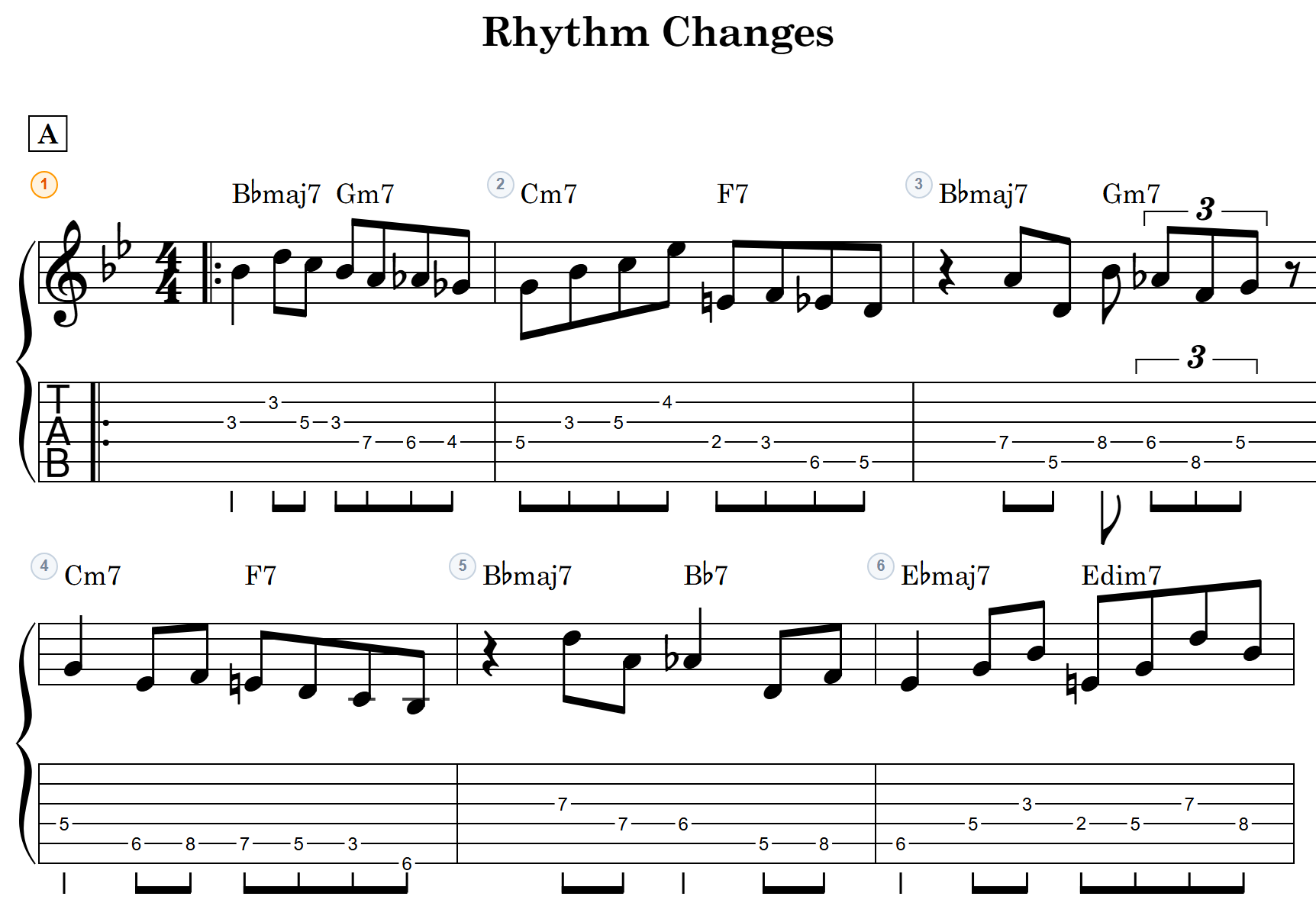
Ready to turn this progression into a band score?
accolva — a collaborative sheet music editor for bands, in your browser
- Every part on one band score
- Share a link; everyone edits on their own time
- Play it back, print A4 part sheets, export MIDI