
Chord Sheet Maker
Write out a song’s chord progression as a printable lead sheet. Place chords bar by bar like a sequencer, play it back with an acoustic-guitar backing, and see the fretboard fingering for every chord.
Add Chord
Fills the selected barFAQ
Is it free?
Yes. The chord sheet maker runs entirely in your browser with no sign-up.
Can I print the chord sheet?
Yes. Your sections, bars, and the fingering diagrams for every chord used are laid out for clean printing.
What chords can I enter?
Any chord symbol — majors, minors, 7ths, sus, add, and slash chords like G/B. Fretboard diagrams are shown for common shapes, and every chord still plays back even without a diagram.
Does it play an acoustic guitar?
Yes. Playback uses a sampled nylon-string acoustic guitar with selectable strumming and arpeggio patterns.
Can I reuse the progression in notave?
Yes — export the progression as JSON to carry the same chords, key, and tempo into notave for TAB notation.
How to use the chord sheet maker
Set the song title, key, and tempo, then click a bar to select it and pick a chord — from the in-key diatonic buttons, the manual root × quality picker, or by typing a symbol like Dsus4 or G/B. Chords drop into the selected bar and the cursor advances, so you can lay out a progression quickly. Add sections (Intro, Verse, Chorus) and set repeats to mirror the song structure. Press play to hear an acoustic-guitar backing, toggle the fingering diagrams, print a clean lead sheet, or export the progression as JSON for notave.
Related Tools
Guitar Chord Chart
Look up guitar chord fingerings with diagrams. Browse common chord shapes at a glance.
Chord Beat Sequencer
A free browser sequencer that combines a chord progression, a drum pattern, and an auto-bass line. Share your loops by URL.
Metronome
A free online metronome with adjustable tempo and time signature.
Take your guitar notation to the next level
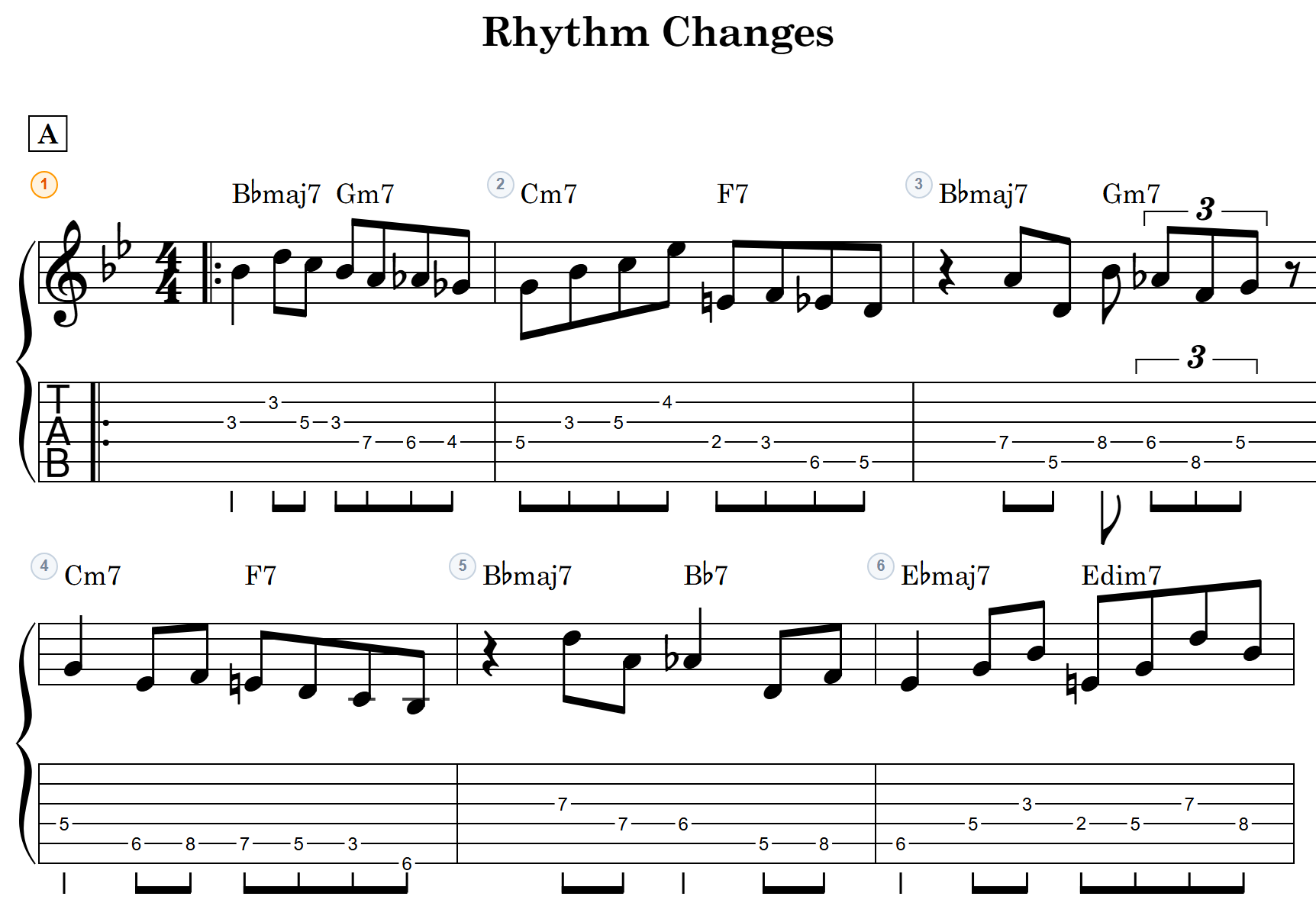
notave — Clean guitar TAB, right in your browser
- Smart voicing suggestions — just pick a chord name
- TAB and standard notation rendered simultaneously in real time
- Video export and lead-sheet chord chart view
Writing with a band? Put vocals, guitar, bass, keys and drums on one score, then share a link so each member writes their own part. See accolva