Free Chord Sheet Maker for Sing-Alongs — Chords, Lyrics, and Fingerings on One Page
By Masashi Y.
When you play and sing from a chord sheet, do you run into these?
- You can read the chord names, but the fingering doesn’t come to mind (especially F or B♭)
- You can’t tell whether your tempo and rhythm are right — there’s no sound to check against
- The lyrics and chords drift apart, so it’s unclear where the chord changes
Paper and text chord sheets only tell you the sequence of chords. What you actually need for singing and playing is chords, fingerings, lyrics, and rhythm all on one page — and the ability to hear it played back.
zelva’s chord sheet maker does exactly that, right in your browser. No install, no account. Try it alongside this guide.
Start by laying down the progression
You enter chords sequencer-style, into the selected bar.
- Add sections (Intro / Verse / Chorus…) and bars, then drop chords in from the top
- Set the key and major / minor, and the diatonic chords appear as buttons — so the staple pop and sing-along progressions are one tap each
- Pick a root × chord type manually, or type freely for things like
G/B,Dsus4, orCadd9 - Need two chords in one bar? Split the bar. Repeating sections collapse into ×2–×8 repeats
Time signatures cover 2/4, 3/4, 4/4, and 6/4, and you set the tempo (BPM) here too.
Add lyrics under each bar
The lyric fields are on by default. Type lyrics under each bar and the chords and words line up vertically, so it’s immediately clear which word the chord changes on.
For singing and playing, that chord-to-lyric alignment is everything — you get your own sheet that reads like the lyric-with-chords layout you’re used to.
Fingerings appear right under the chords
The standout feature: the fingering diagram shows directly under each chord. Even if the name doesn’t trigger the shape from memory, the diagram gets you playing right away.
- F — the chord beginners struggle with — shows as the first-fret barre chord
- No need to open a separate chart in another tab
When you want fuller fingering options or different voicings, the guitar chord chart pairs nicely with this.
Capo support
Lots of songs use a capo. Set a capo here and the sound stays the same while the fingerings (shapes) and displayed chord names re-read as the shapes for that capo — exactly like a standard capo chart with the capo treated as fret 0.
So the classic sing-along move — “this song has too many hard F chords, let me capo to easier shapes” — is handled directly.
Play it back with acoustic guitar to practice
Your progression plays back with acoustic guitar backing. Choose a pattern:
- Whole — one strum per bar
- Down (quarters) / Down-up (eighths) — the strumming basics
- Arpeggio — one note at a time
- Folk (boom-chick) — alternating bass plus strums
With count-in and loop, practicing “just the chorus, over and over” is easy. You hear the chord changes land while you sing, so the chord sheet goes from something you read to something you play along with.
Print it to one page for your music stand
Print, and each bar stacks chord name → fingering → lyric, top to bottom — a single sing-along page. If a capo is set, the capo position is printed too.
Put it on your music stand and play the whole song while checking the shapes. It opens just as well on a tablet or phone.
Share and save in one tap
- Share link — turn the current sheet into a URL and send it to your band or friends
- Export / Import JSON — save to a file and load it back anytime to pick up where you left off
Want to take it further? Turn it into TAB in notave
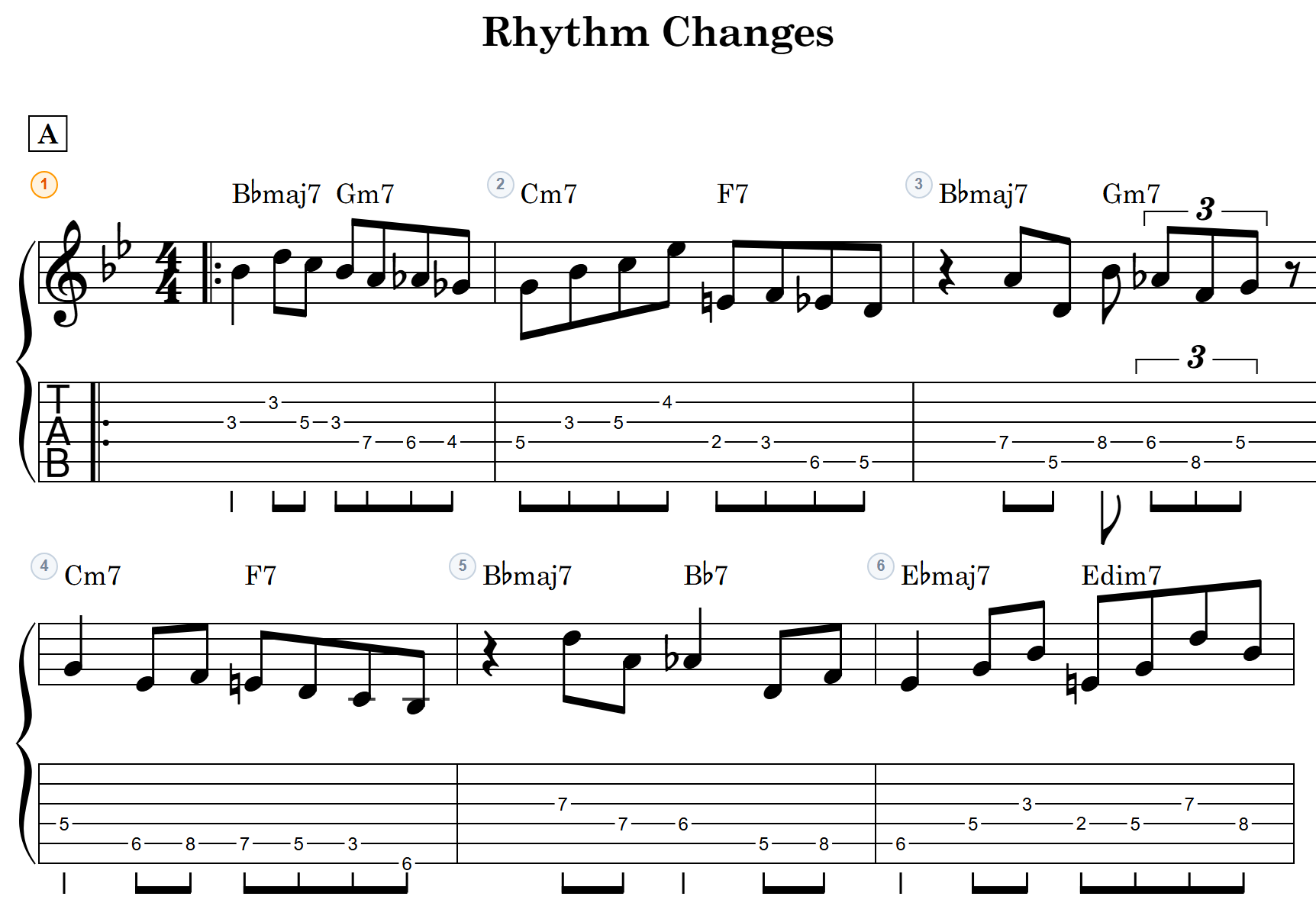
When you want to write out the intro lick or the arpeggio as proper notation and TAB, the “Edit TAB in notave” button hands it off to notave.
It’s transcribed in the backing pattern you’ve selected, with voicing candidates auto-generated for each chord. Your chord sheet flows straight into full TAB notation.
Wrapping up
Singing and playing takes more than a list of chords. It takes one page with the fingerings, lyrics, and rhythm together — and a way to hear it back while you practice.
zelva’s chord sheet maker gives you that in the browser, free, and carries through to print, share, and TAB. Start with the chorus of a song you love, and drop in the chords and lyrics.