notave update 2026.10.14.0908 — Play an audio file or YouTube video in sync with the sheet, and re-finger a bar
- Version: 2026.10.14.0908
- Released: October 14, 2026
- Contents: 2 new features, 1 improvement
New
Play an audio file or a YouTube video in sync with the sheet
From the “Backing” button on the transport bar, or “Load backing audio” in the file menu, attach an audio file (MP3 / WAV / M4A / AAC / FLAC / OGG) or a YouTube URL to the sheet. Play, pause, bar skips and the A-B loop all carry the backing along, so you can compare a transcription with the original or practice over it.
- Anchoring is “bar 1 = clip time X”. If the sheet starts at 0:25 of the video, type 25. A
t=in the URL is taken as the same thing. You can also stop the backing where you want and press “Use the current position as bar 1”. - Align by waveform: a ±3 s zoom around bar 1 shows the waveform with bar and beat lines at the current tempo and meter, plus a red playhead. Drag the waveform sideways to put the downbeat on the bar line.
- YouTube waveform: the video’s audio cannot be read directly, so in Chrome / Edge you can share the tab’s audio once while the video plays and the waveform is recorded. It is kept, and restored the next time you open the same video.
- The video’s own controls drive the sheet: pressing play on the YouTube player starts the sheet from the bar containing that moment, and pausing or scrubbing the video moves the sheet with it.
- The audio file itself is stored only in your browser. Share links and cloud saves carry just the alignment; on another device, pick the same file again and it comes back.
Re-finger a bar
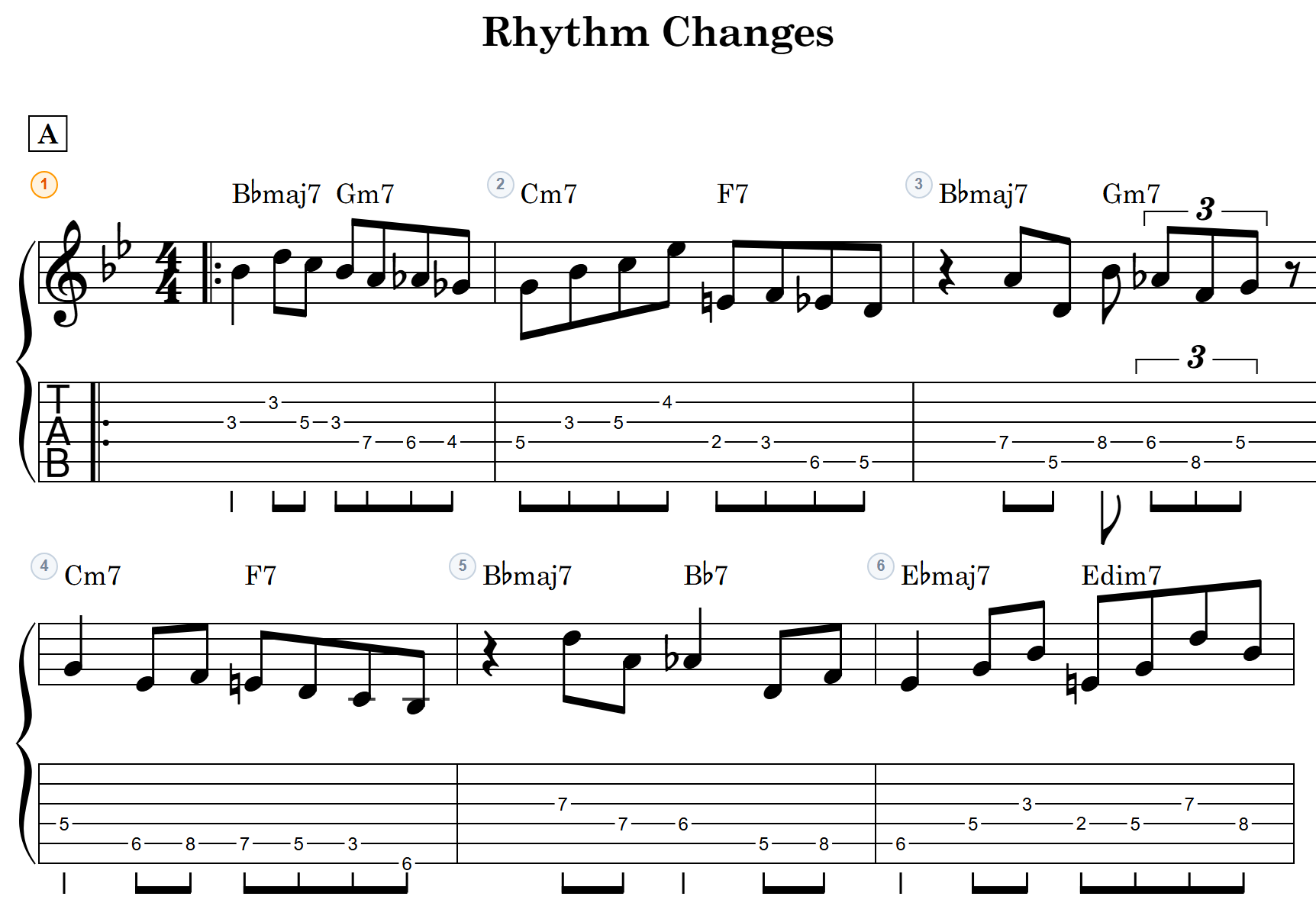
Right-click a bar (long-press on a phone) and choose “Re-finger”: a small chip appears above the bar. Each press of ”◀ Re-finger ▶” moves to another fingering of the same notes — same pitches, different strings and frets (keep position, low position, high position, fewest string crossings, and back to the original). On the keyboard, Alt+R goes to the next candidate and Alt+Shift+R to the previous one. The same command is in the TAB input panel (“Re-finger bar N”) and the measure settings.
- Chords only move to a shape that holds every note. Rests, ghost notes, harmonics and pitches no string can produce stay put.
- In two-voice sheets, melody and accompaniment never share a string at the same moment.
- Each press is one undo step (Ctrl+Z).
Improved
- Barlines, meter, key, volta brackets, repeat signs and the rehearsal mark / text can now be changed one at a time from the bar’s right-click menu. Picking an item shows a small chip above the bar with just that input. Clicking the bar’s number still opens the full measure settings as before.
Notes
- Chart data is unaffected. Saved sheets and share links open as before.
- A sheet with a backing carries a “backing reference”. Older versions simply ignore it and open the sheet as usual.
- Video and audio exports do not include the backing.
- Recording a YouTube waveform works in Chrome / Edge. Synced playback and anchoring work in every browser.
- You can check your current version under “About notave” in the menu.