“I want to jot down a bass line before I forget it.” “I’d like clean, phone-friendly sheets to keep my bass practice phrases organized.”
If you play bass, you’ve probably been there.
There are plenty of TAB tools for guitar, but surprisingly few that are genuinely easy to use for bass — and firing up a paid notation suite is overkill.
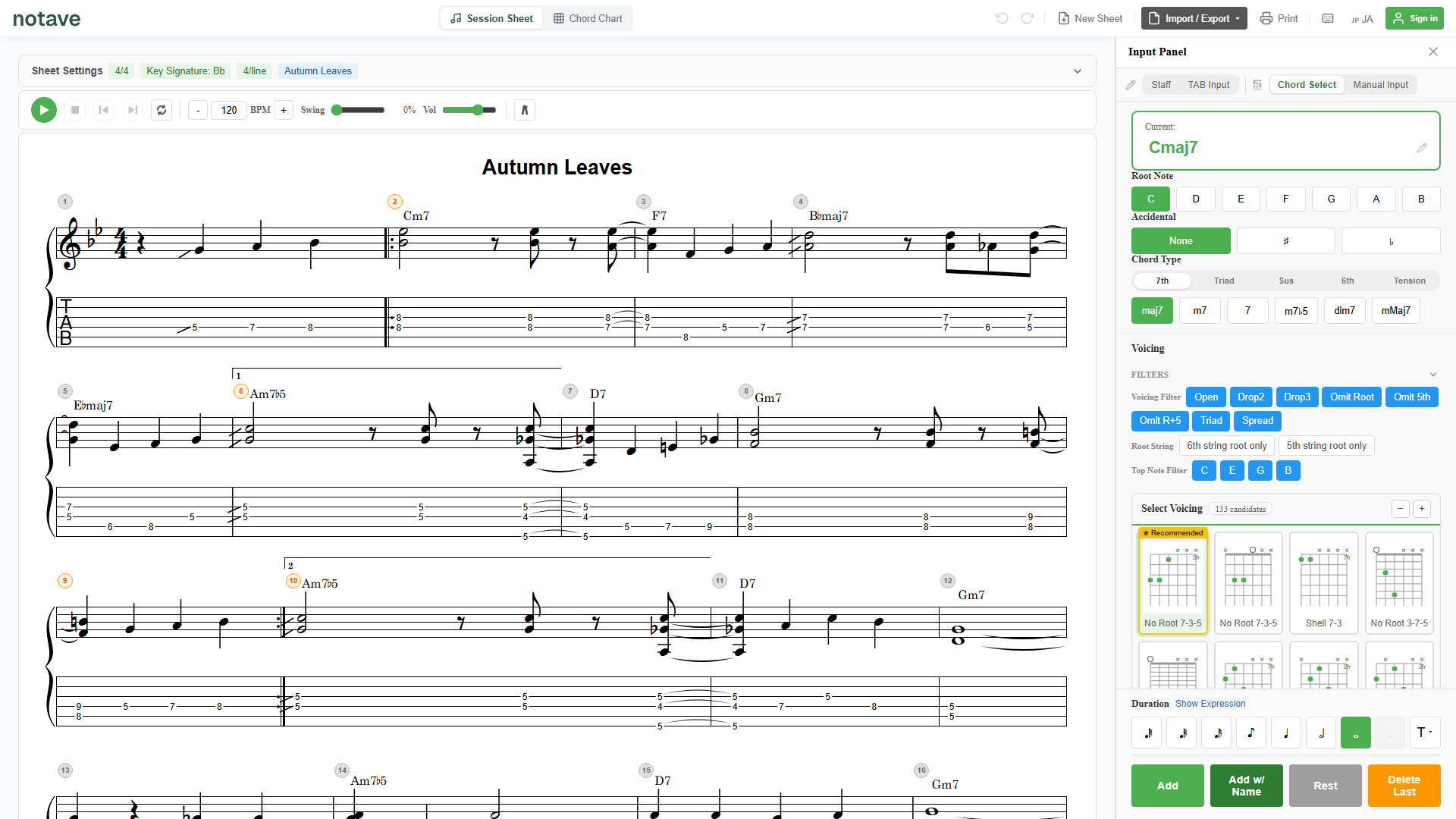
This article shows how to create bass TAB right now, in your browser, with no install and no sign-up, using the web app notave.
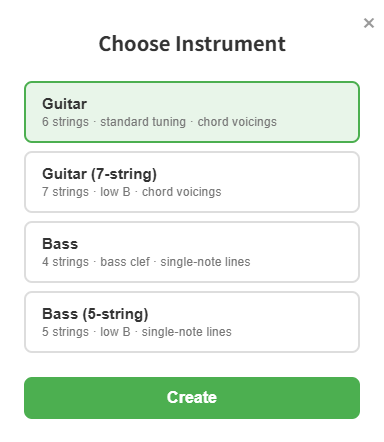
Just pick your instrument when you start a sheet
In notave, you choose guitar or bass when you create a new sheet, and the editor optimizes itself for that instrument. No hunting through settings later.
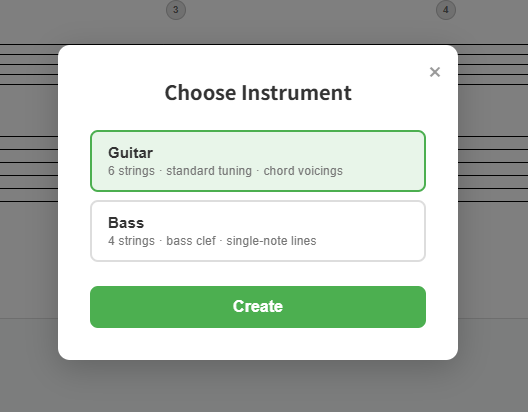
Choose bass and the editor switches to:
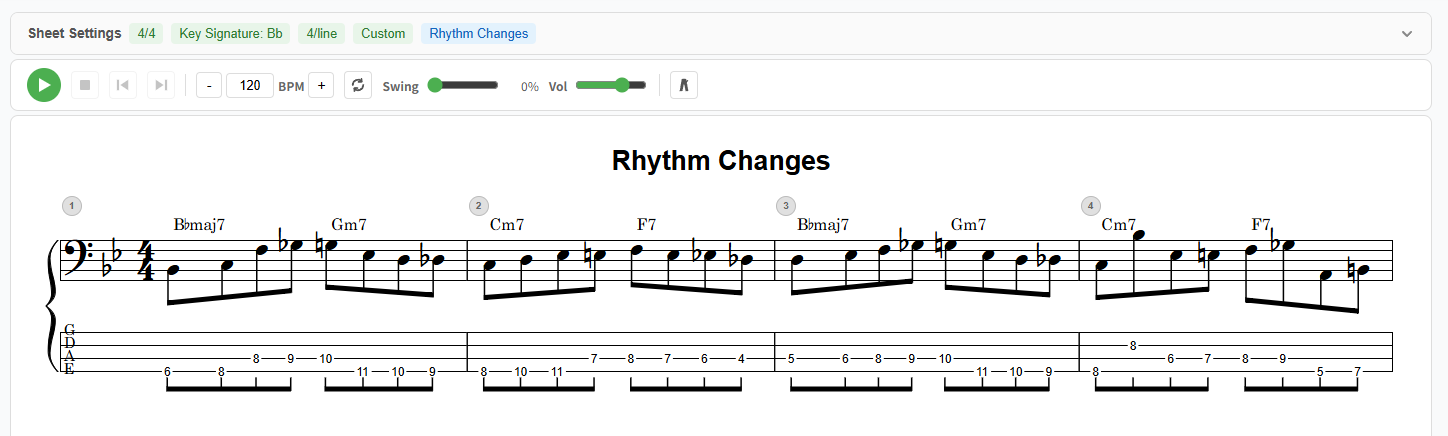
- 4 strings (E A D G), bass clef, with TAB and standard notation shown together
- Single-note entry, optimized so you can enter one note at a time
- Playback through a dedicated bass voice (a dark, dry pizzicato)
5-string bass, and alternate tunings
Pick “Bass (5-string)” when you start a new sheet to get a 5-string bass with a low B string (B0) added below the standard four — so lines that reach the low B can be captured in their actual string layout.
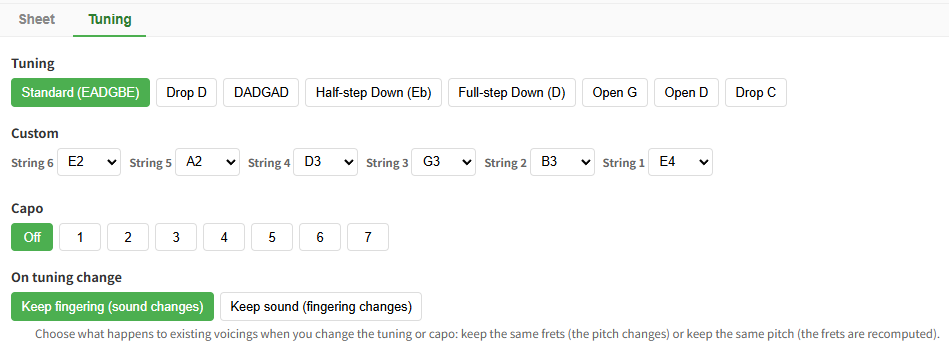
Bass also supports per-string custom tuning, so drop and down-tuned bass lines can be captured in their own tuning. Your tuning is shown at the left of the staff as open-string note letters, following TAB convention, and carries through in share links. For more on 5-string bass and 7-string guitar, see extended-range instruments.
Three things that make bass TAB easy
1. Capture a bass line fast
Enter notes from the keyboard, on either the TAB or the staff.
- Number keys (0–9): enter the fret number (two digits supported)
- Arrow keys (←→ / ↑↓): move between beats and strings
- On the staff, the cursor anchors to the bass register, so you can start from the open E string and ascend naturally
Walking lines or riffs go down as fast as you think of them.
2. Hear it back with an actual bass sound
Instead of a stand-in guitar tone, your line plays through a dedicated bass voice, so you hear the movement and rhythm with the right character. With BPM control, swing playback, and a metronome (all beats / 2 & 4 / off-beats), it doubles as a practice track.
3. Share and hand off your sheets
A finished bass sheet works with the exact same full feature set as guitar.
- MP4 video export with a scrolling cursor (YouTube 16:9 / Shorts 9:16 / Square 1:1)
- Print-ready PDF
- Share links — recipients view instantly in the browser, no login; you can even embed the sheet in a blog
Hand over a single URL and your bandmates or students get a sheet they can actually edit.
Wrap-up
With notave you can create bass TAB right in your browser, and everything from playback with a dedicated bass voice to video and sharing works just like it does for guitar.
Next time a bass line pops into your head, head to notave.zelva.dev and try it. No install required — you can start right away.
To go deeper on alternate tunings, see the alternate tunings & capo article. For the basics, check the TAB creation guide.