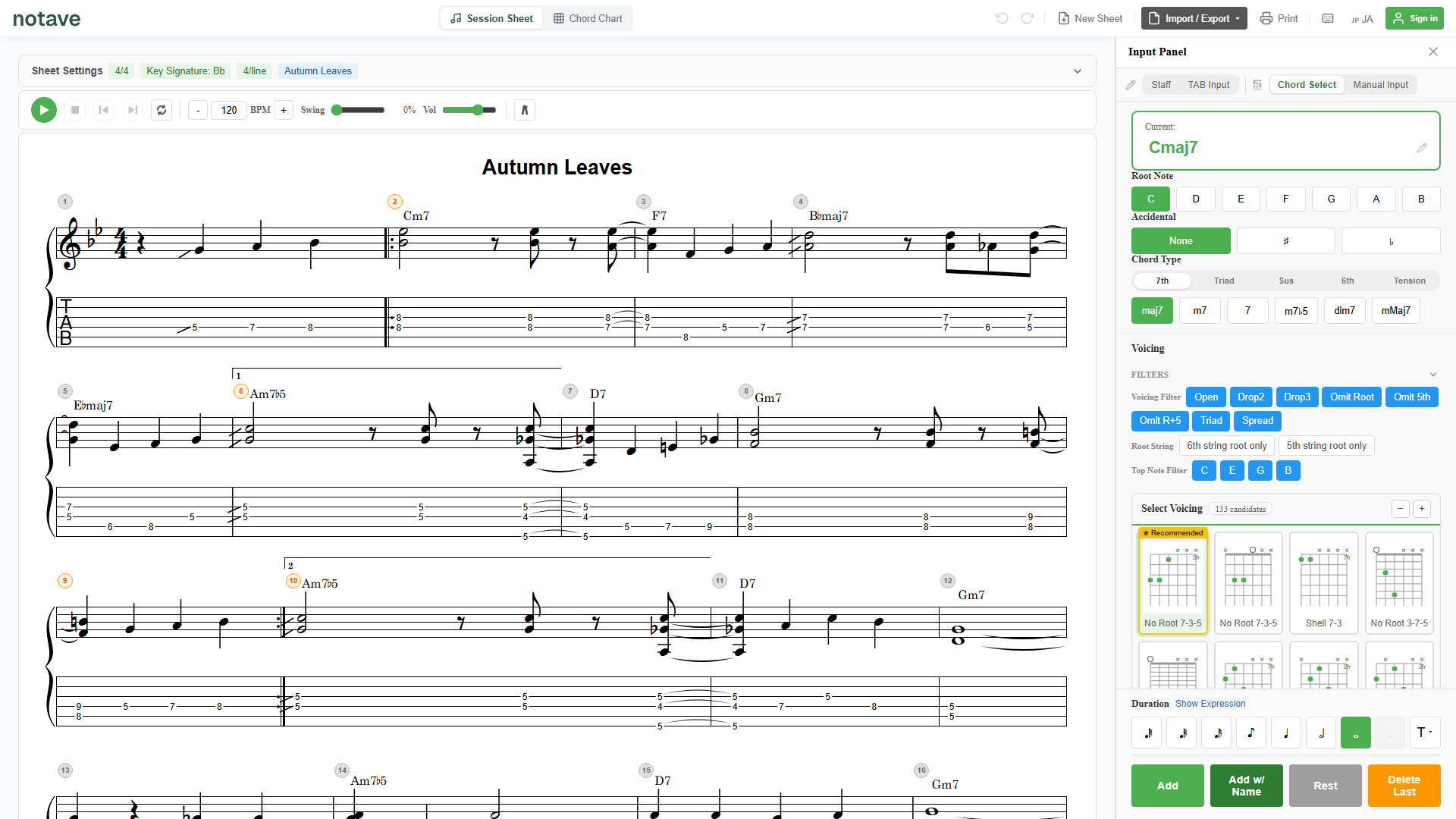
“I want to write my 7-string guitar song as TAB, low B string and all.” “I want to capture a 5-string bass line in its actual string layout.”
If you play an extended-range instrument, tools that assume the standard 6 or 4 strings can’t fit the very low string you most want to use — which gets frustrating fast.
The browser-based TAB app notave now supports 7-string guitar and 5-string bass. Just choose the string count when you start a new sheet, and you can write extended-range TAB — low B string included — with the same full feature set as 6-string guitar. This guide walks through how it works.
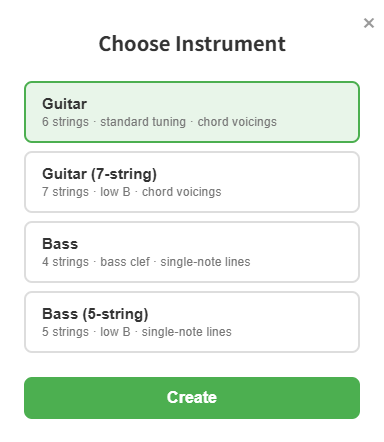
Just pick one of four when you start a sheet
In notave, you choose your instrument when you create a new sheet and the editor optimizes itself for it. There are now four options.
- Guitar (6 strings, standard E A D G B E)
- Guitar (7-string) — adds a low B string: B E A D G B E
- Bass (4 strings, standard E A D G)
- Bass (5-string) — adds a low B string: B E A D G
Choose the 7- or 5-string variant and the editor switches to that string count automatically — TAB, standard notation, the input panel, and playback all work in the extended layout.
7-string guitar — put the low B on the score
Choose 7-string guitar and the TAB shows seven strings, with a low B string (B1) added at the bottom.
- Write phrases and root notes straight onto the added low B string
- Since it’s a non-standard tuning, each open-string note letter appears at the left of the TAB (following TAB convention)
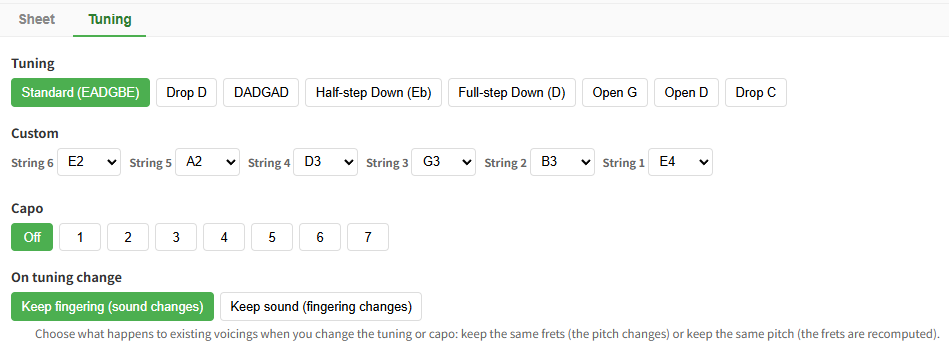
- For drop or custom tunings, set each string freely with per-string custom tuning
Heavy riffs and low-B phrases can be written all the way down to the 7th string.
5-string bass — more room down low
Choose 5-string bass and the TAB becomes five strings, adding a low B string (B0) below the standard four (E A D G).
- With the low B available, you can capture the low end that’s unique to 5-string bass
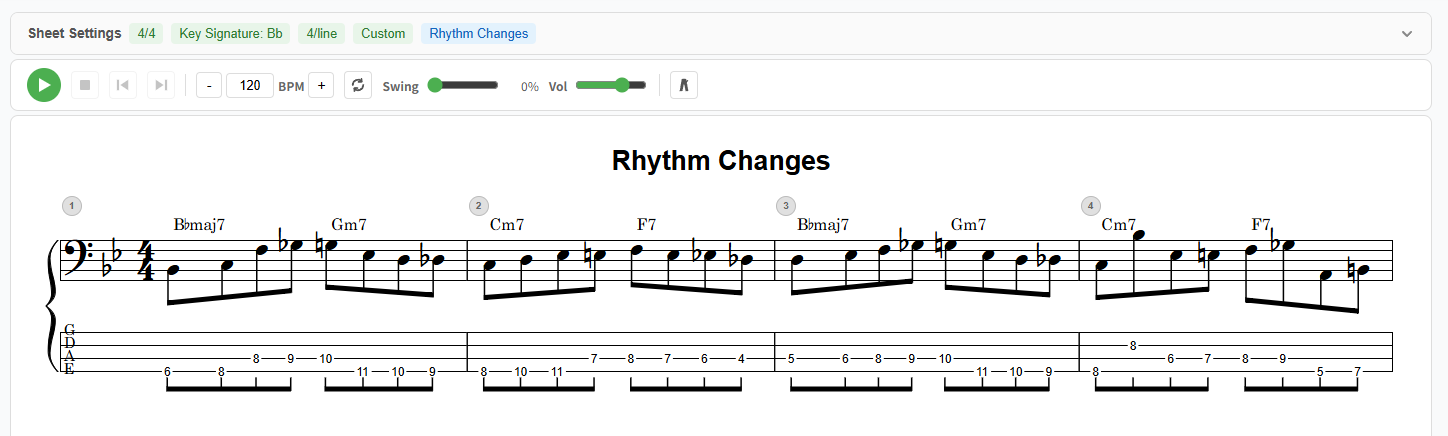
- Bass is optimized for single-note entry and bass clef, and plays through a dedicated bass voice
- Like the 4-string, it supports per-string custom tuning (down-tuned lines fit right in)
Jot down a low bass line in its actual string layout, exactly as you play it.
Tuning, saving, and sharing — all unchanged
Extended-range sheets get the same full feature set as 6-string guitar.
- Custom tuning: set the open strings of a 5- or 7-string freely (the 6-string presets like Drop D show only when you’re on 6 strings)
- Save & share: the 5- and 7-string sheets you make round-trip through JSON saves and share links without a hitch. The recipient views them in your exact string layout, no login required
- Playback, print, video export: MP4 video, PDF, and every existing feature work for extended-range instruments too
Summary
notave now supports 7-string guitar and 5-string bass, so extended-range TAB — low B string included — is easy to write in the browser.
- Just pick Guitar (6/7 strings) or Bass (4/5 strings) at new-sheet time
- 7-string guitar and 5-string bass reach the low B string in their actual layout
- Custom tuning, saving, and sharing — the same full feature set as 6-string
When you want to capture a 7-string guitar or 5-string bass part in the browser, try it at notave.zelva.dev — no install, start right away.
For the basics of bass TAB, see the bass guide; for alternate tunings in depth, see alternate tunings and capo.