“I want a chord sheet for this progression.” “I need a quick walking bass line.” “I just want a chord sheet to sing along to.”
Writing a sheet usually starts with placing chords, choosing voicings, and working out frets — and that first step takes more effort than you’d think. You have the idea in your head, but getting it onto the page is where you stall.
With notave’s notave AI, you just say what you want and it becomes a sheet. Type “make a chord sheet for the canon progression in C” and you get guitar and bass TAB and chord sheets on the spot. Every result plays back, edits, and shares right away. This article covers what it can make, how to use it, and how to ask for the best results.
What is notave AI?
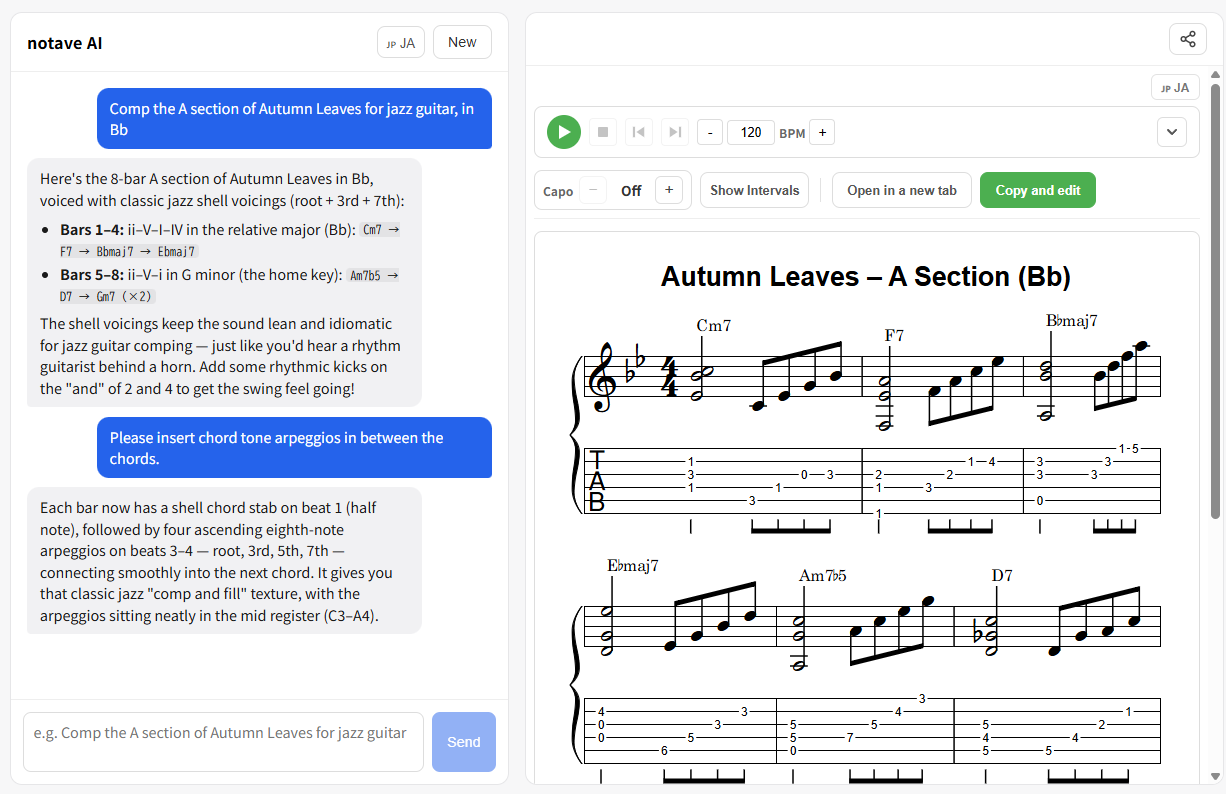
notave AI generates sheets from a natural-language request. Describe a progression or a phrase in English (or Japanese), and it produces guitar and bass TAB and chord sheets.
The key is that notave guarantees the correctness of the sheet. The AI decides the musical content — chord names and pitches — while notave’s own engine resolves the playable voicings and fret assignments. So:
- Give it chord names and it writes them out in playable voicings
- It reads the flow from chord to chord and arranges them with smooth fingering
- The result opens straight into notave’s editor for further tweaks
Let’s make one
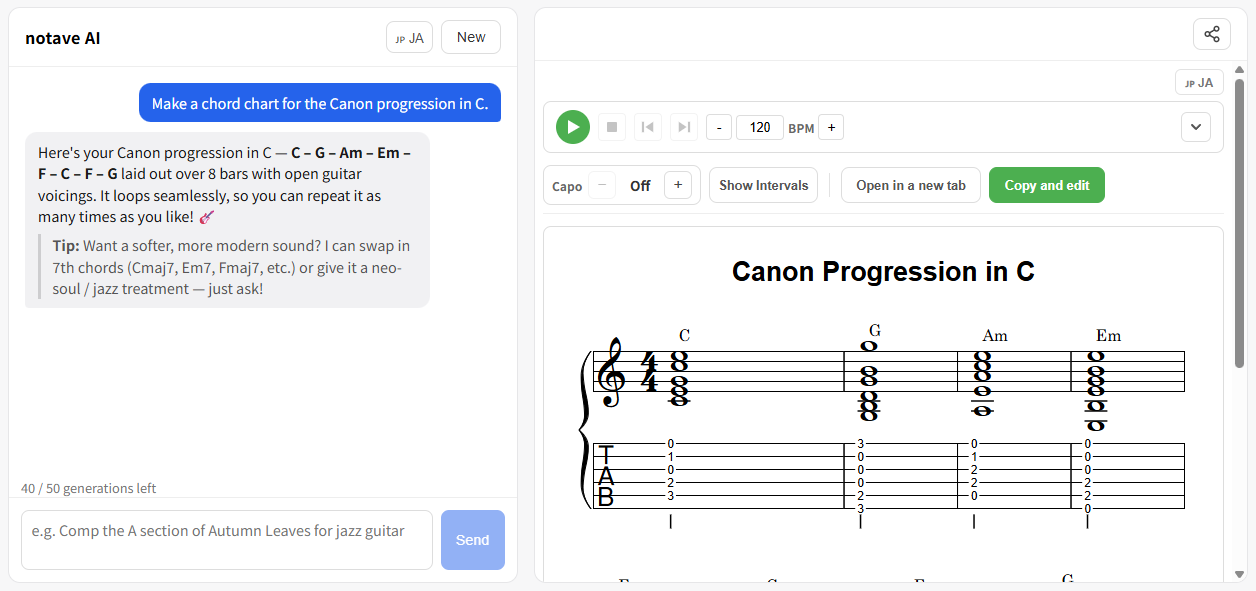
Ask it to ”make a chord sheet for the canon progression in C” and you get the sheet below. This is an actual notave AI result, embedded right into this article.
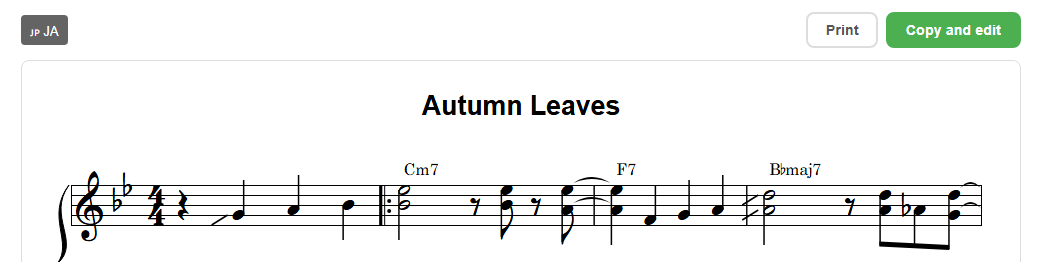
This sheet was generated by notave AI and shown here via embedding. You can play it back and even move the capo right on this page.
The classic C–G–Am–Em–F–C–F–G progression is laid out in easy open-position chord shapes. You don’t have to pick which shape to play — notave places them sensibly for you.
What can it make?
notave AI makes three broad kinds of sheet:
- Chord progressions / comping: “comp the 1564 pop loop on guitar”, “the changes to Autumn Leaves”, and so on. Give it chord names and it voices and lays them out automatically.
- Single-note lines (solo / bass / melody): “a walking bass line over a blues in C”. Rule-based walking bass lines are a particular strength.
- Chord + melody arrangements: a chord followed by a melodic fill in the gap — that kind of structure fits into a single sheet too.
You can choose guitar or bass. A few example requests:
- “Comp a jazz blues in C with ii-V-I turnarounds”
- “A walking bass line over the A section of Autumn Leaves”
- “The canon progression as a singer-songwriter chord sheet”
How to use it (3 steps)
1. Open notave AI
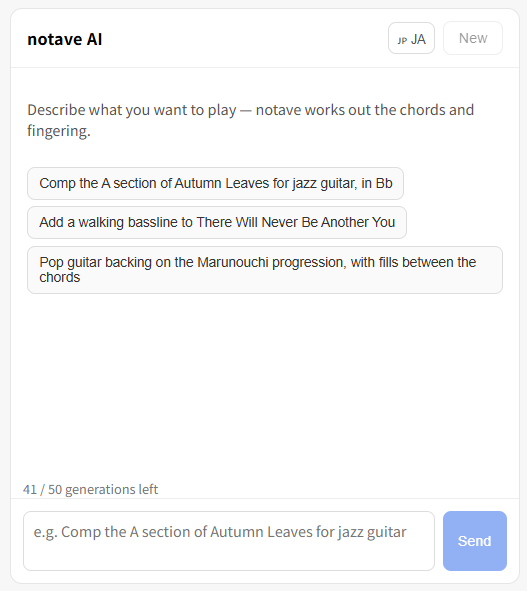
Open notave and go to notave AI (the chat). Sign-in is required.
2. Type what you want
Write the sheet you want in plain language — like “make a chord sheet for the canon progression in C” — and send it. English or Japanese both work, and the reply comes back in the same language.
3. Refine and share the result
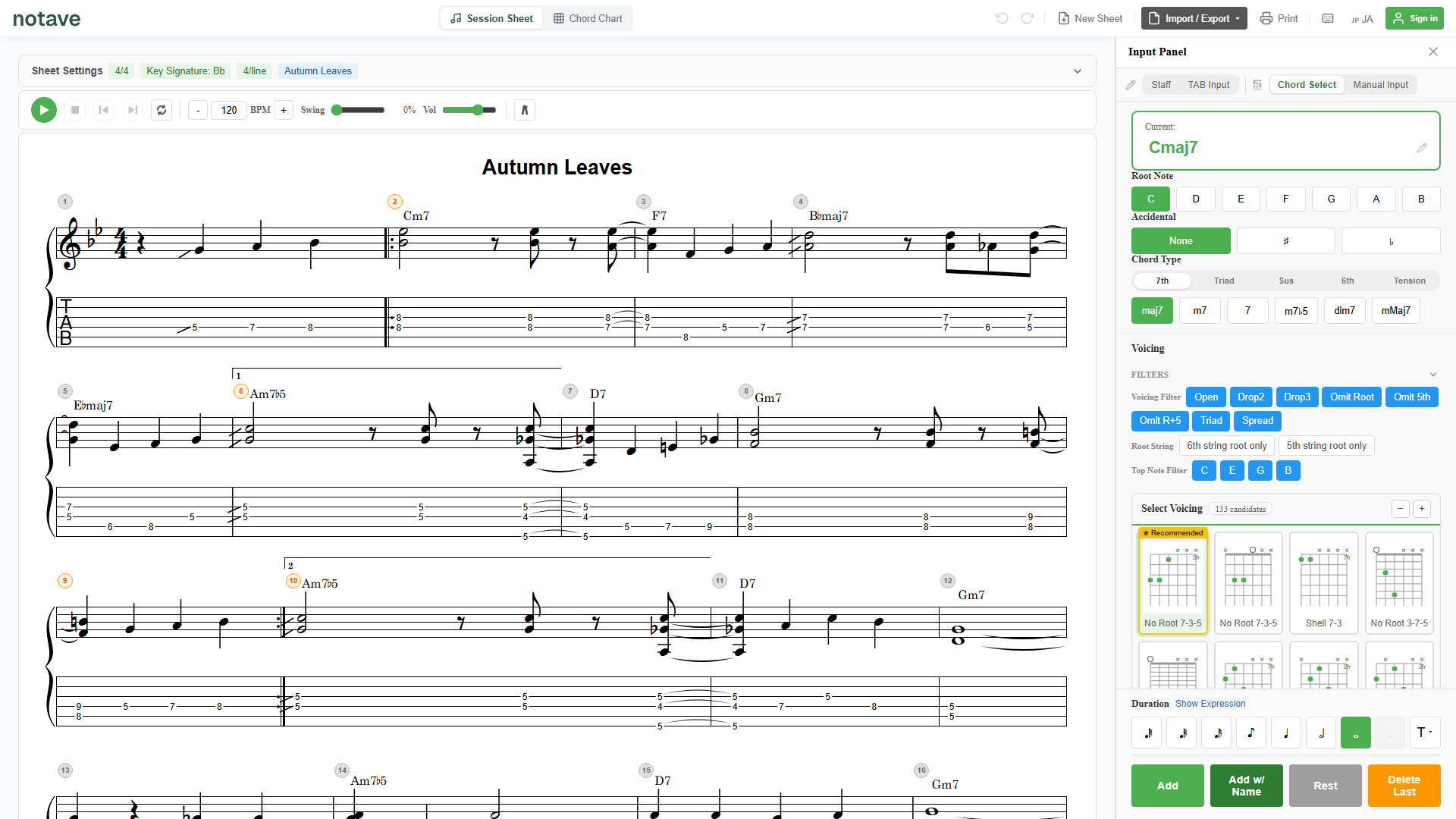
Play the result back to check it on the spot. Hand it to someone with a share link, or embed it in a blog — just like the sheet above. To take it further, load it into notave’s editor and keep building it as TAB or a chord sheet.
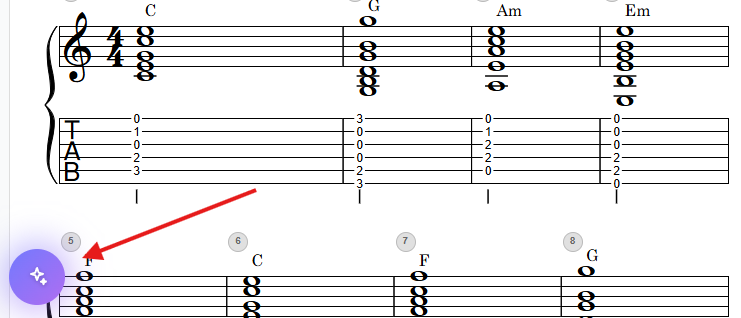
If you already have a work-in-progress sheet open in the editor, ”Edit with notave AI” hands your current sheet to the AI so you can refine it in conversation — “make this part jazzier”, “add a bass line”, and so on.
Tips for asking
Even a rough request becomes a sheet, but adding these helps you land what you intended:
- Key and time signature: “Key=C”, “in 3/4”, etc.
- Instrument: guitar / bass.
- Style: “jazzy”, “for singing along”, “simple triads”.
- Name the chords directly: if you already have a progression in mind, just list it — “C – G – Am – F”.
Accuracy and usage limits
notave AI produces chord comping, progressions, and rule-based walking bass lines at a practical quality. More open-ended material like complex solos can be hit or miss. Since results are AI-generated, we recommend reviewing them before use.
Using notave AI requires sign-in. The Free plan includes 5 lifetime trial generations, and Pro includes 25 per month (limits may change without notice).
Summary
notave AI lets you make guitar and bass TAB and chord sheets just by describing what you want.
- Just ask, and you get a sheet in playable voicings
- Covers comping, walking bass, and chord-plus-melody alike
- Every result plays back, edits, and shares right away
Start with a single line like “make a chord sheet for the canon progression in C”. You can begin right now at notave.zelva.dev — no sign-up, no install.
To hand a finished sheet to someone, see how to use share links; to put one on a blog or website, see how to use embedding.