How to Read (and Write) Bass TAB — Start With Four Lines and Root Notes
By Masashi Y.
You want to start bass. Or you just became the bass player in a band. You open the TAB for a song and — there are only four lines.
Guitar TAB had six; bass has four. But don’t worry: bass TAB reads by exactly the same rules as guitar TAB. With two fewer strings, there’s actually less to remember. Get “lines are strings” and “numbers are frets” down and you’ll be reading right away.
In this guide we’ll confirm the reading by actually playing the sounds, then cover the simplest way to play bass (root notes) all the way to writing your own bass TAB.
If you’d rather start from guitar, read how to read and write guitar TAB first — it covers the shared rules (symbols like
h,p, and/) in one place.
1. Four lines = four strings
The four lines of bass TAB are simply the four strings of the bass.
- the bottom line is the thickest string — the E string
- the top line is the thinnest string — the G string
From bottom to top: E, A, D, G. That’s the same order as a guitar’s lower four strings (6th–3rd), so guitarists can read it directly. Press “Play it” below and the open strings sound from E up to G. Tap the numbers one at a time, too, to match each line with how low it sounds.
Tap any number in the TAB to hear just that note.
0 is an open string (play it without pressing). Same as guitar TAB.
2. Numbers are “which fret to press”
A number on a line tells you which fret to press on that string. The bigger the number, the higher the pitch — again, identical to guitar TAB.
Below stays on one string (the A string) and changes only the number.
Tap any number in the TAB to hear just that note.
Bass frets are spaced wider than a guitar’s, so get used to moving your left hand more. As a base rule, assign one finger per fret and it stays manageable.
3. The simplest bass: root notes
The bass’s job is to hold down the low end of the chords. The simplest — and most important — way to do that is playing root notes.
The root is the note a chord is named after. For G → D → Em → C — a staple progression in pop the world over — the roots are G, D, E, C. Play each chord’s root under it and you have a real bassline. Tap the numbers under each chord name to hear G, D, E, and C one at a time.
Tap any number in the TAB to hear just that note.
Plenty of pro basslines are “roots, basically.” Being able to play the root, accurately and in good time is the foundation of bass.
4. Add movement with root + octave
Once roots feel comfortable, the next step is alternating the root with the note an octave above it — a staple, groovy move in pop and rock.
Tap any number in the TAB to hear just that note.
Look at the TAB positions and you can see the big leap from a low note (thick string, low fret) up to a high one (thin string). The finger move is large, but the pattern is simple — and it instantly sounds like you can play.
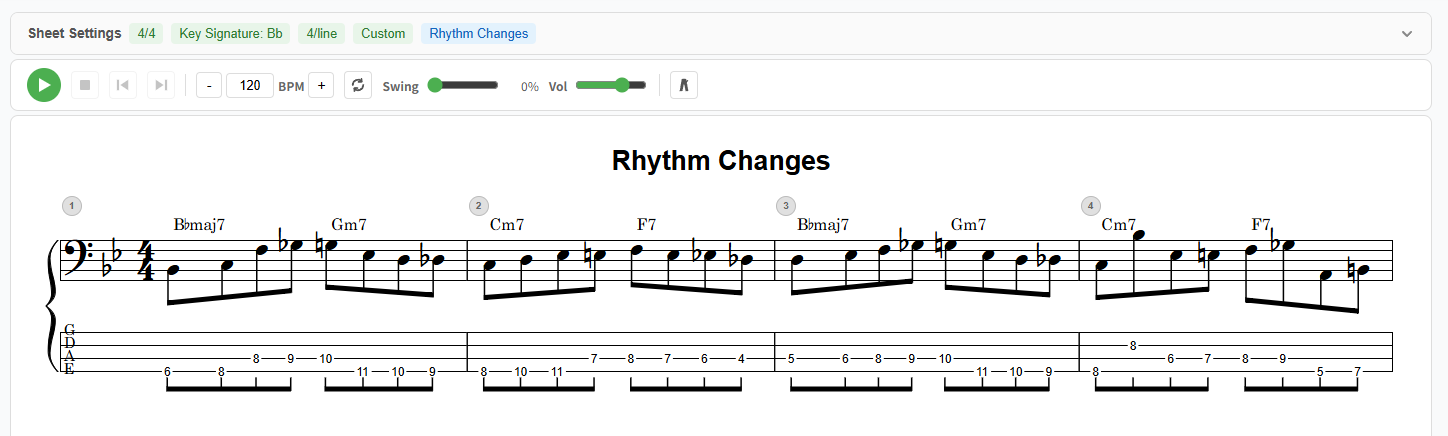
Below is that root-and-octave bassline embedded as a real notave bass TAB + staff. Press play and a cursor scrolls as it sounds — connect the TAB numbers with the actual pitches.
From here, adding the fifth, or notes that “walk” to the next chord by a half or whole step, makes the bassline richer and richer.
5. Now write your own bass TAB
When you want to keep a bassline you figured out by ear, or a phrase of your own, you can write bass TAB in notave.
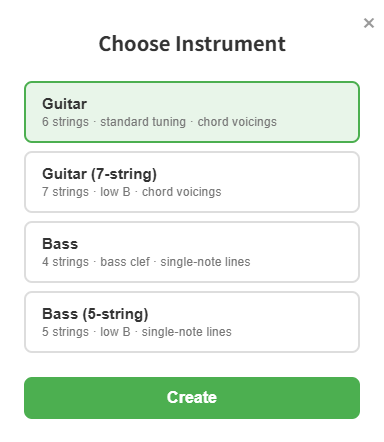
notave supports bass (4- and 5-string, bass clef).
- enter notes and the bass TAB and staff are drawn at once, cleanly
- set alternate tunings like Drop D, or custom per-string tuning
- write for 5-string bass with a low B, too (see using 7-string guitar and 5-string bass)
- play back what you wrote to check the groove and timing
For a full walkthrough, see making bass TAB in notave. A sheet you write can be handed to bandmates as a share link or embedded in a blog.
6. Tips for getting better
- Start by locking roots to the song. Just playing roots in good time makes the band’s ensemble work. Add movement later.
- Slow down — and practice stopping notes. On bass, muting is as important as sounding. Play along with a metronome and make each note the same clean length.
- Figure out a favorite song’s bass by ear, then write it. Enter the roots you hear into notave — connecting “read” and “write” locks it in fast.
Summary
Bass TAB is the “four-line version” of guitar TAB. Same rules, even less to remember.
- Four lines = four strings (thick E on the bottom, thin G on top; 0 is open)
- Numbers are which fret to press (bigger = higher pitch)
- The simplest bass is root notes (just play the chord’s letter note)
- When comfortable, add the root + octave for groove
Once you can read it, figure out a favorite song’s bass by ear and write it in notave — bass TAB and staff at once, in the browser, no sign-up. Start with a single root note.